My Dashboard:
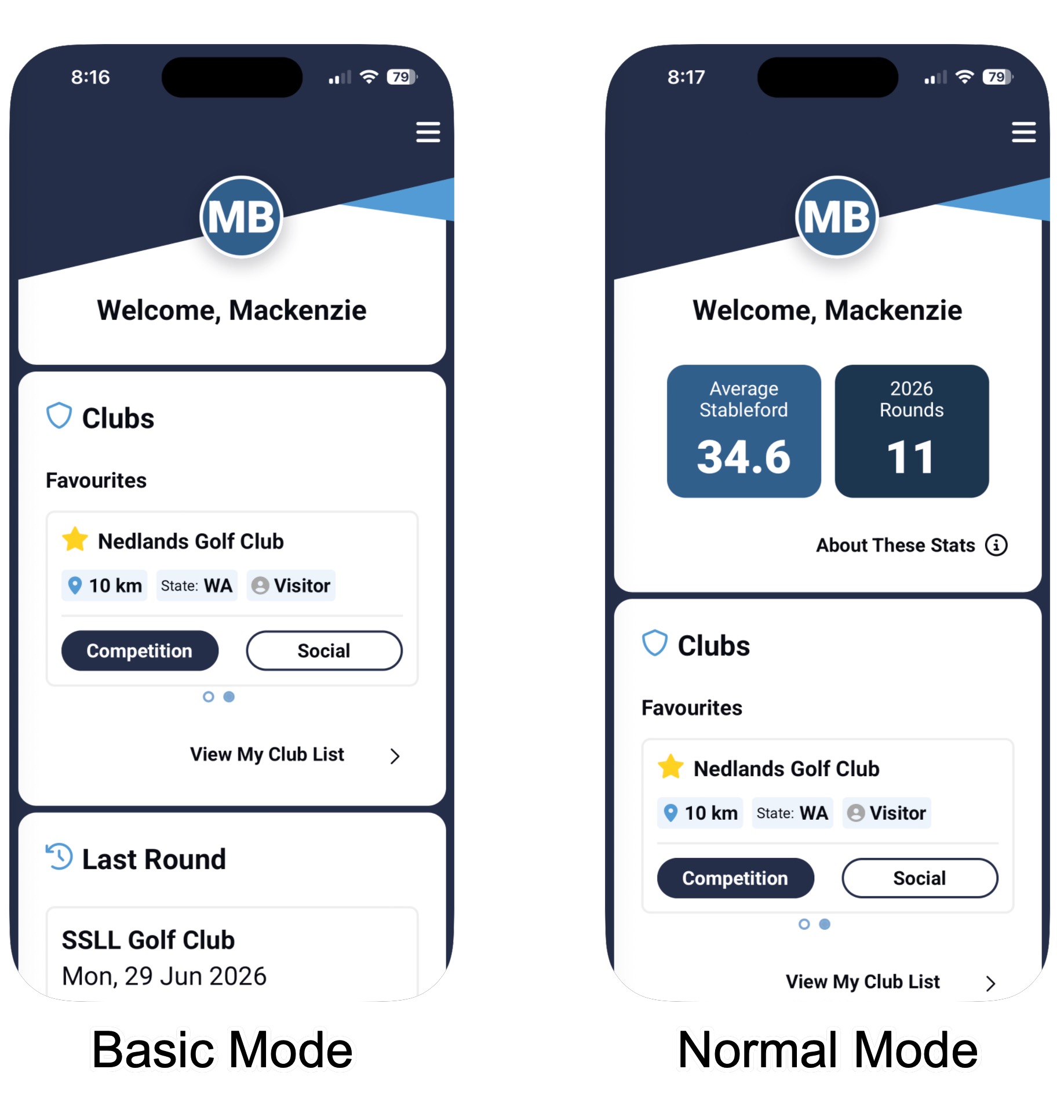
Basic Mode
Disabling this setting hides extra information from your homescreen of the app which is useful for smaller display mobile devices
Playing Options:
Display Total Scores
When disabled, the cumulative total of your stableford scores are hidden from your view.
Enable Haptic Feedback
This setting controls whether the touch inputs on your device trigger 'haptic feedback'. Disabling this setting can improve battery performance during a round.
Tutorials
Whether you want to disable or enable the introduction tutorials when logging into the app for the first time.
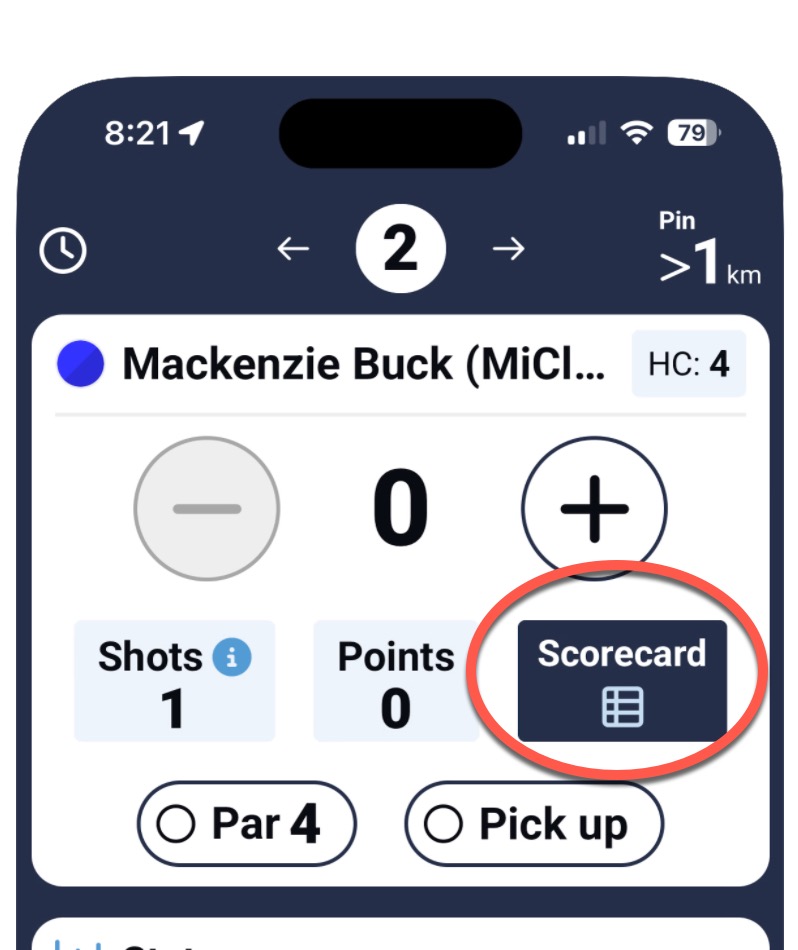
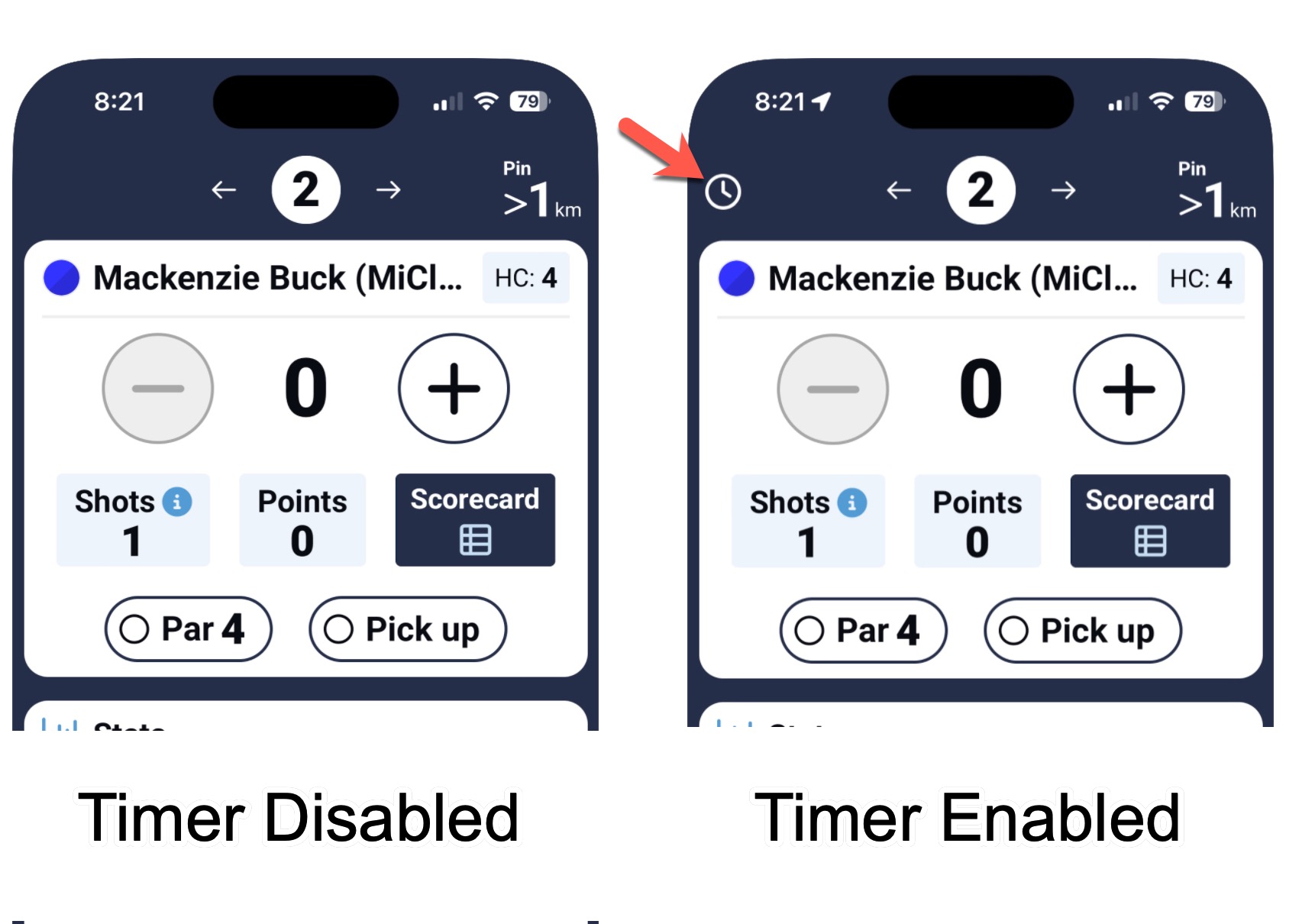
Display Round Timer
Controls whether the round timer is visible during the scoring session.
Putts and Stats
Which statistics and tracked during scoring for analysis in the dashboard page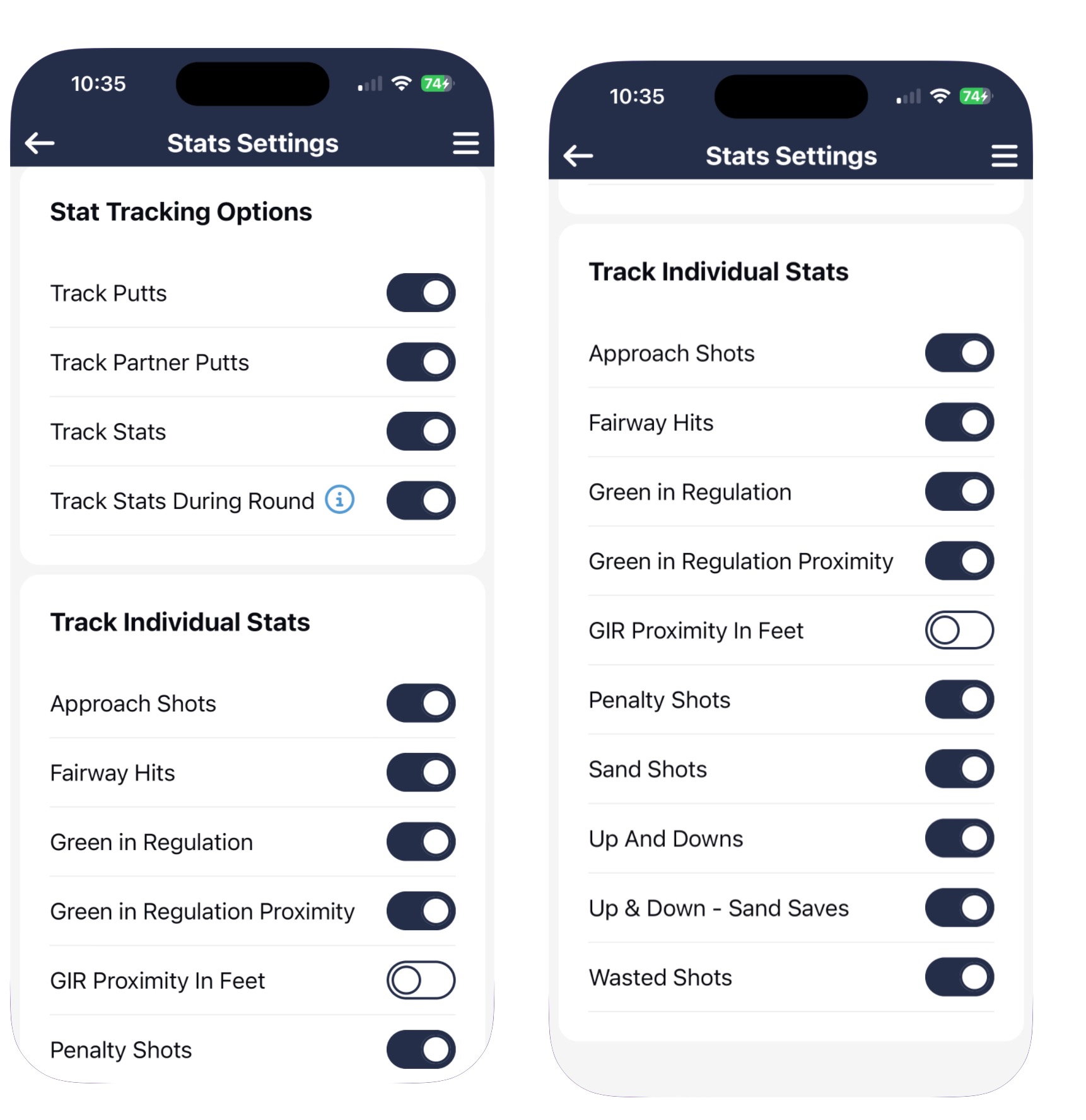
Preferences:
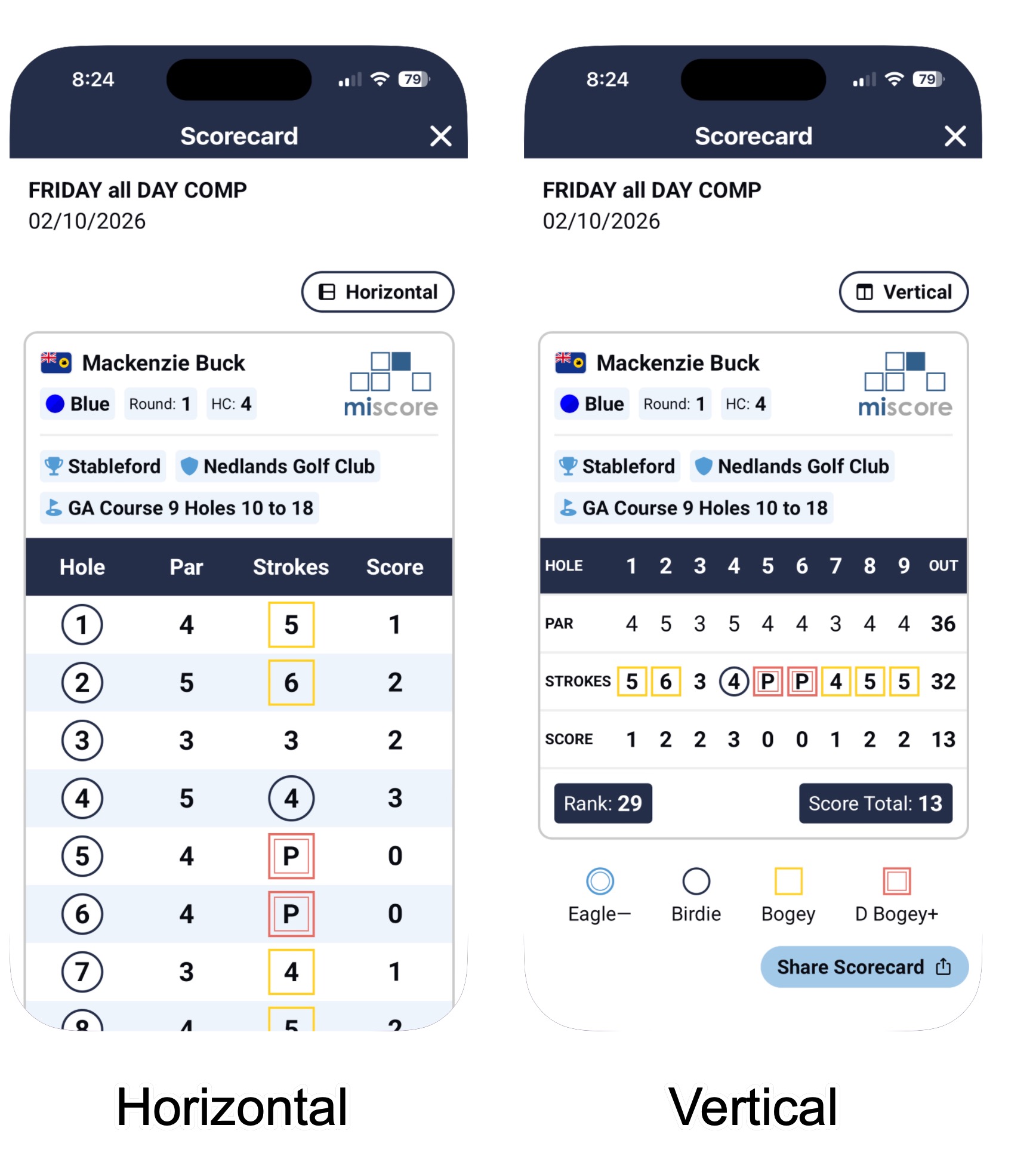
Vertical Scorecard
Controls whether the app will default to the horizontal or vertical style scorecard view when viewing scorecards from the leaderboard.
Distance & Measurements:
Sort Clubs by Distance
Enabling this setting will order the clubs on your Club List by proximity. Showing the closest club first and the furthest last.
Use Yards
Controls whether the distance to Front, Middle, Back or Pin is displayed in yards or meters.
SideMatch:
Enable sidematch
Whether to use the sidematch feature to keep a tally of side match 4BBB scores within your group.
Second ball
If the second ball is used to determine the hole result in the case of the scores being tied for the best score of the pair.
Split Sixes - all draw no points
When playing in a group of 3, if the split sixes competition game will allocate points to all 3 players in event of a tie, or allocate no points
Location Settings:
Geolocation
Whether GPS location can be used for the MiScore App. A requirement for the app to measure and display distances to front, middle, back and pin. Can be disabled to reduce battery usage while scoring.
Screensaver:
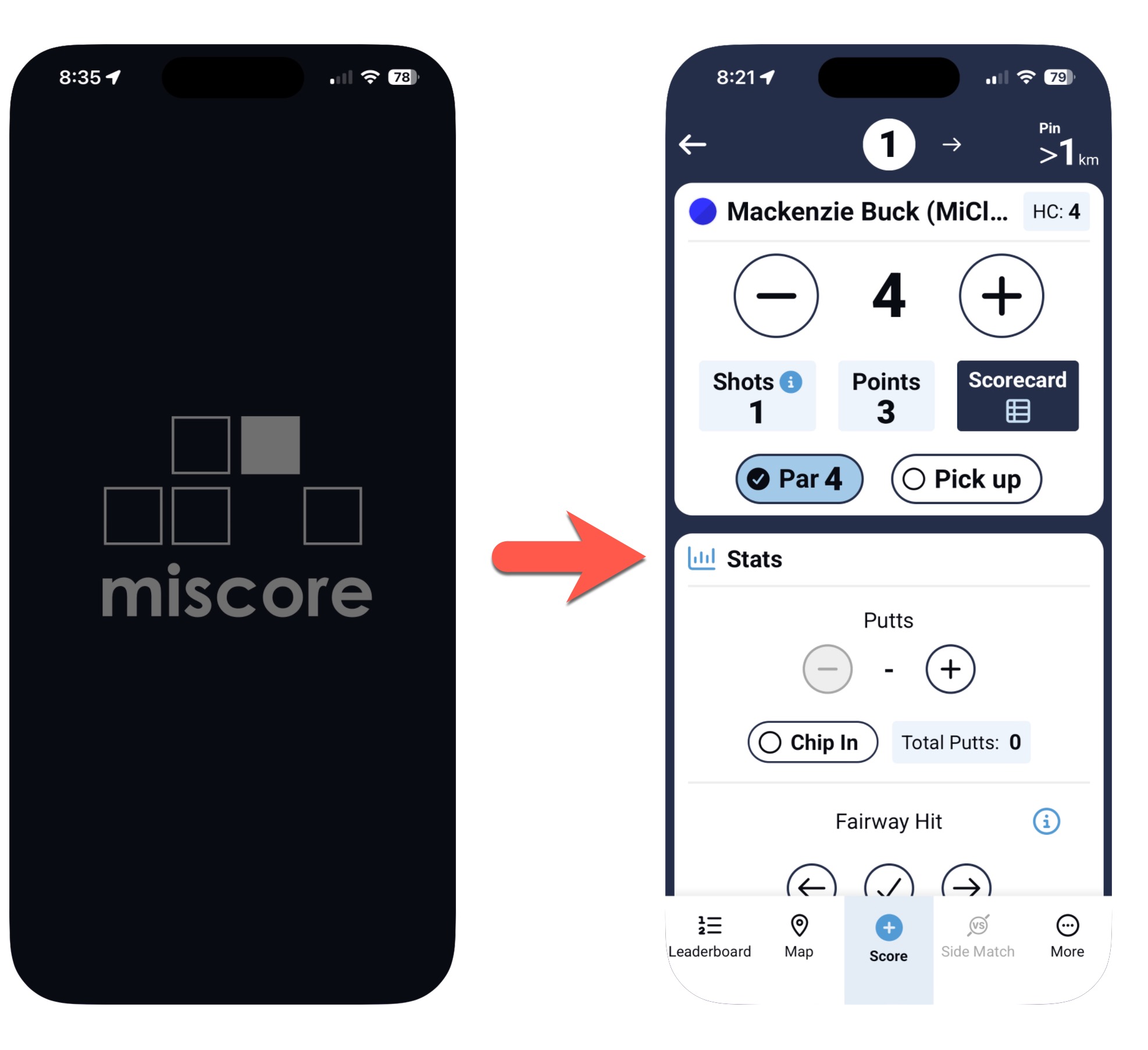
Enable Screensaver
This setting enables the screensaver mode which will lower brightness and display a black screen during periods of inactivity on the phone to help conserve battery and decrease energy consumption while scoring. Tap once to restore the scoring screen and continue scoring.
Screensaver Timer
How long is the period of inactivity before the black screensaver screen is enabled.
Display:
Brightness
When returning from screensaver, what level of brightness on the device is the brightness returned to. ie: A setting of 100% will bring the phone back to 100% brightness when exiting screensaver mode.
Was this article helpful?
That’s Great!
Thank you for your feedback
Sorry! We couldn't be helpful
Thank you for your feedback
Feedback sent
We appreciate your effort and will try to fix the article