From 1 July 2026, MiScore 1 will be discontinued and players will need to update to MiScore 2.
Download / Update to MiScore 2 Here
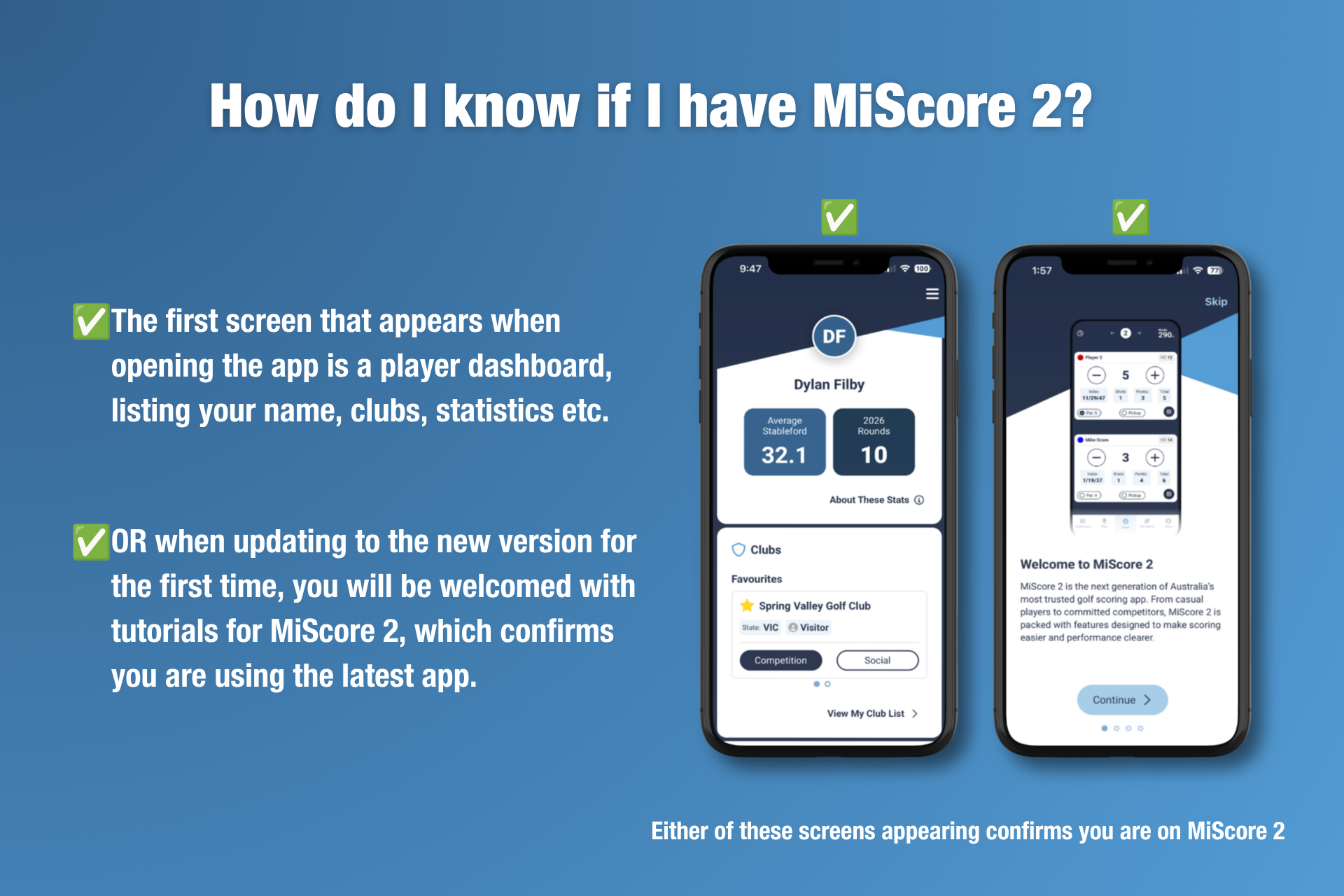
For most users, MiScore 2 will automatically download on your mobile device when opening the MiScore App.
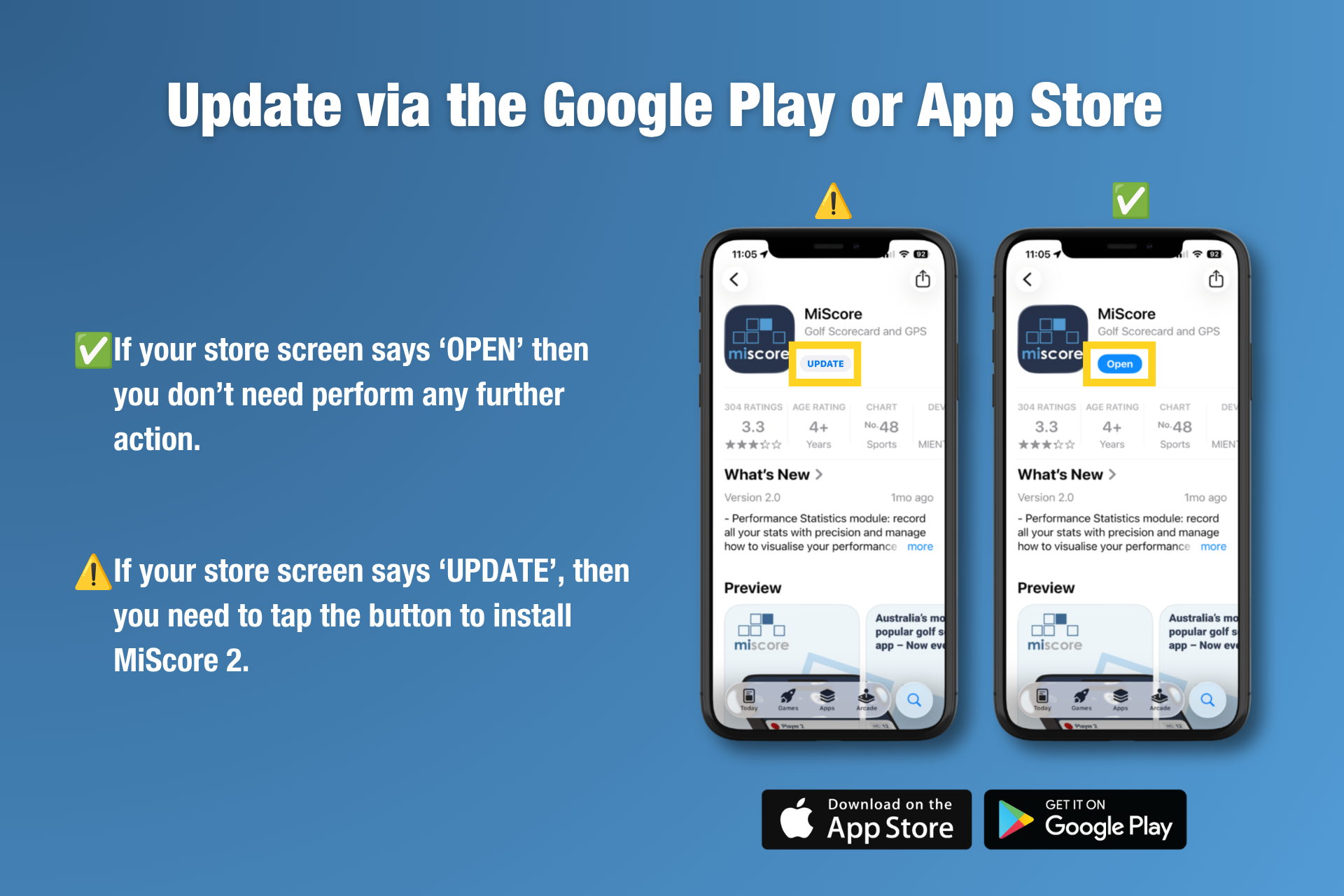
In the case where the MiScore app does NOT automatically update, please following the steps below to manually update the MiScore app version from either the App Store (iPhone users) or Google Play Store (Android/Samsung users).
MANUAL UPDATE PROCESS:
Manually update the app from the App Store (iPhone users) or Google Play Store (Android/Samsung users).
Video Walkthrough (iPhone Users):
Video Walkthrough (Android/Samsung):
AUTOMATIC UPDATE PROCESS:
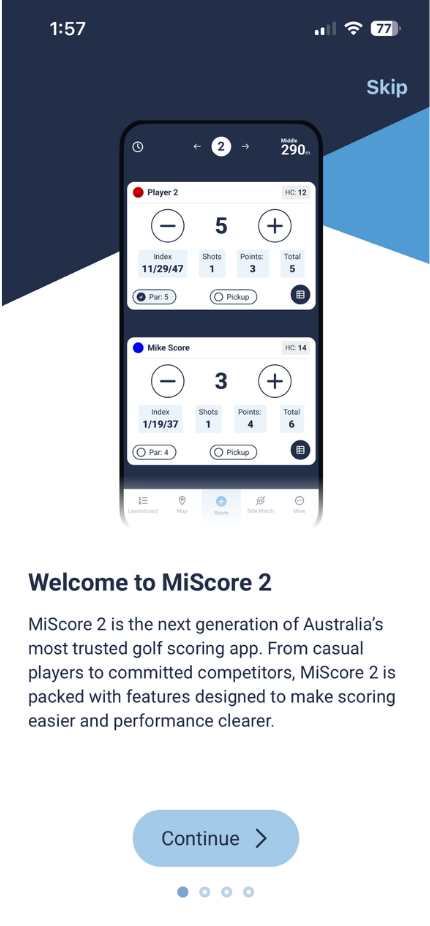
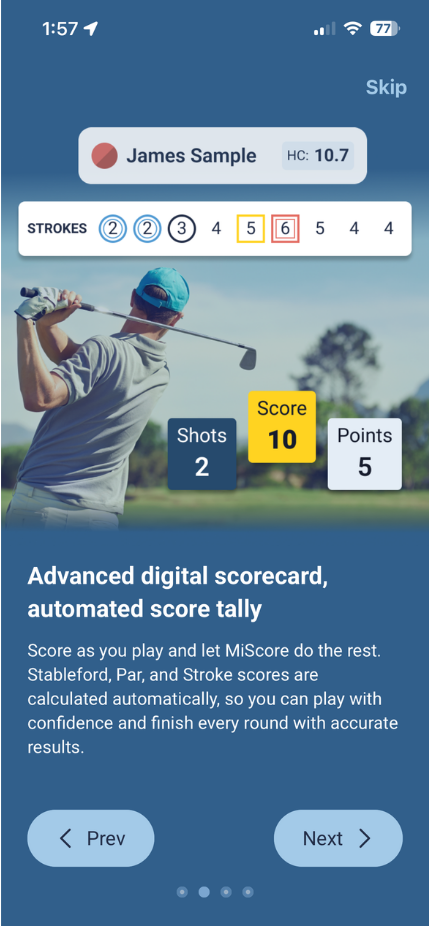
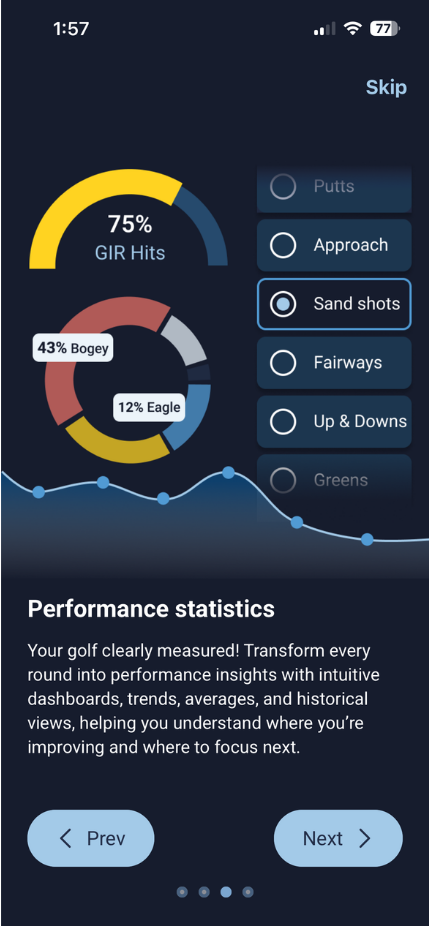
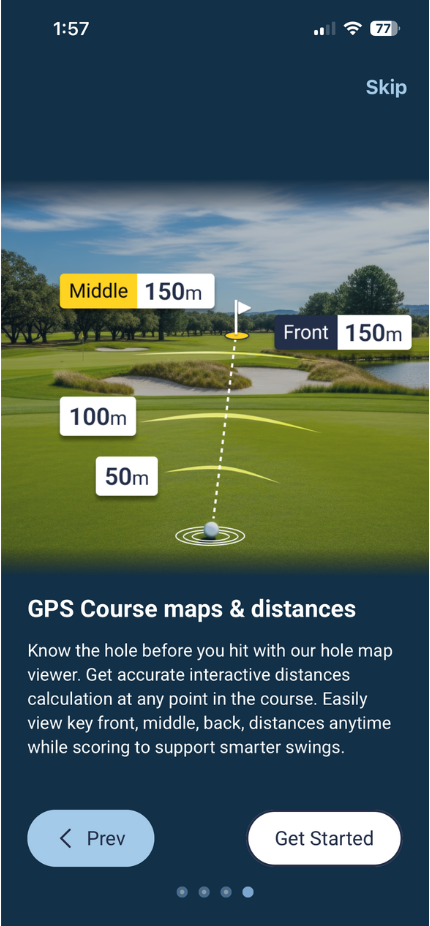
When updating to the new version of MiScore, users must restart their app if the update hasn't already applied. Users will firstly be prompted with screens that showcase the new features of MiScore 2.
Tap 'Skip' in the top right corner of the screen to exit out of the 'Welcome' screens. Or tap 'Next' in the bottom right to continue through a few slides.
 |  |
 |  |
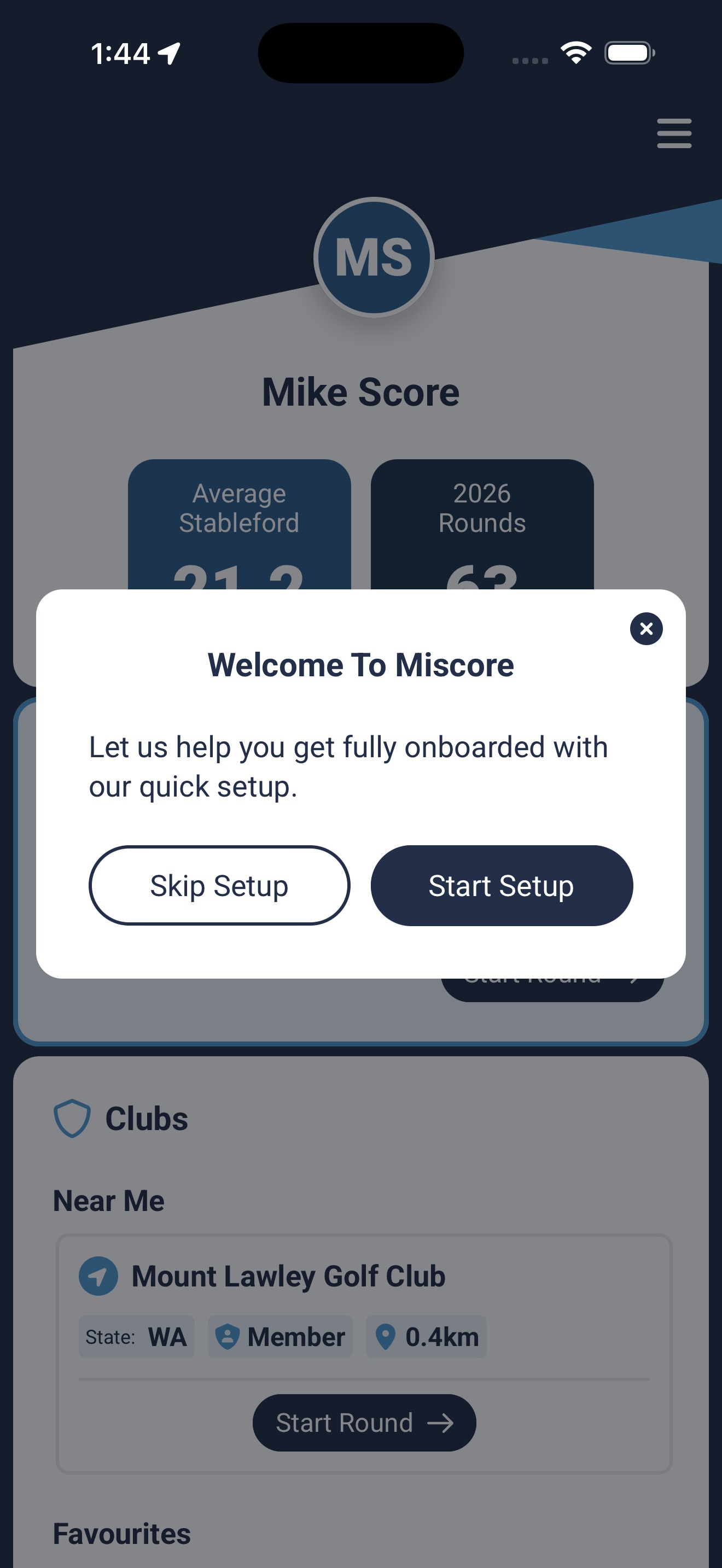
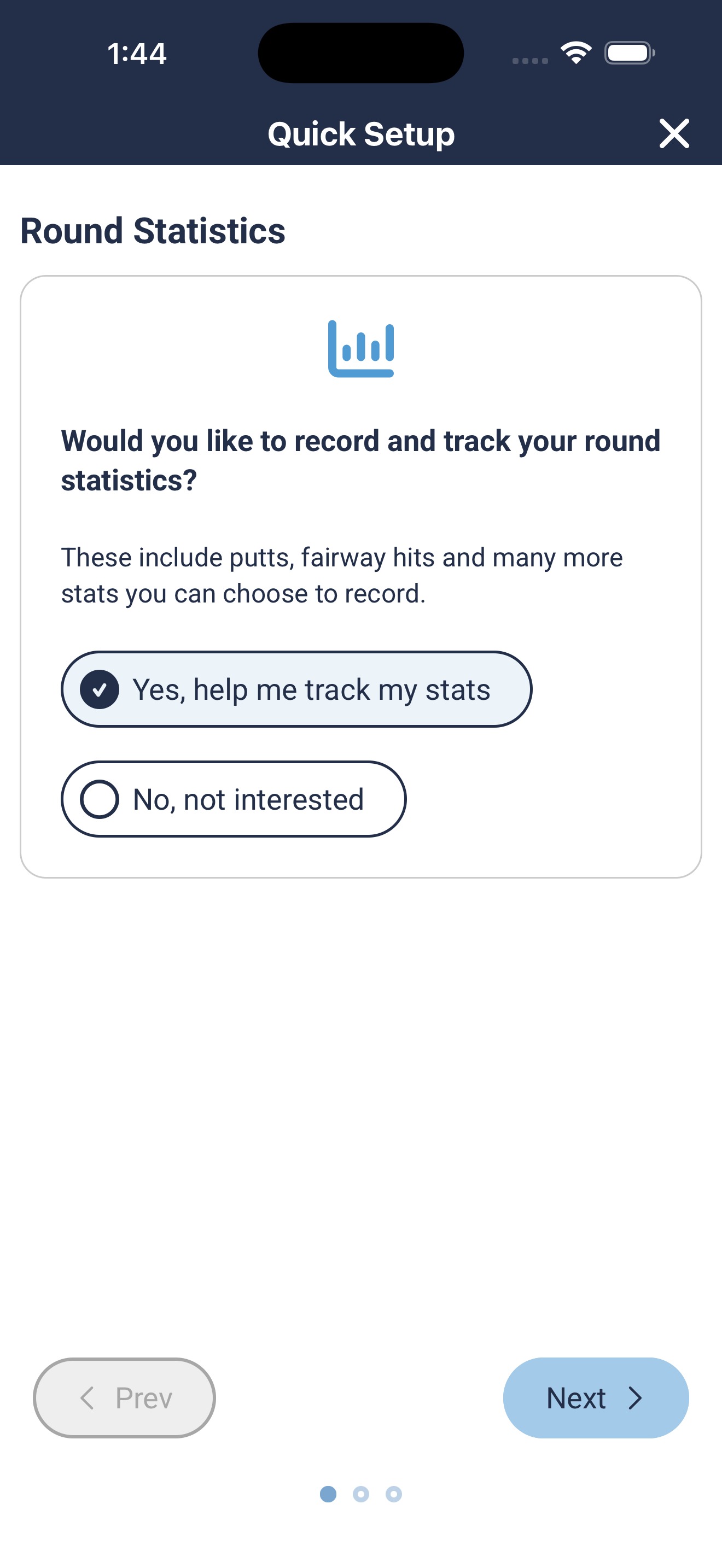
Following the initial 'Welcome' screens, users will be prompted with some basic options to begin customising their set-up.
Tap 'Skip Setup' or the 'X' symbol in the top right to exit out of these screens. Or tap 'Start Setup' and 'Next' to select stats to enable.
 |  |
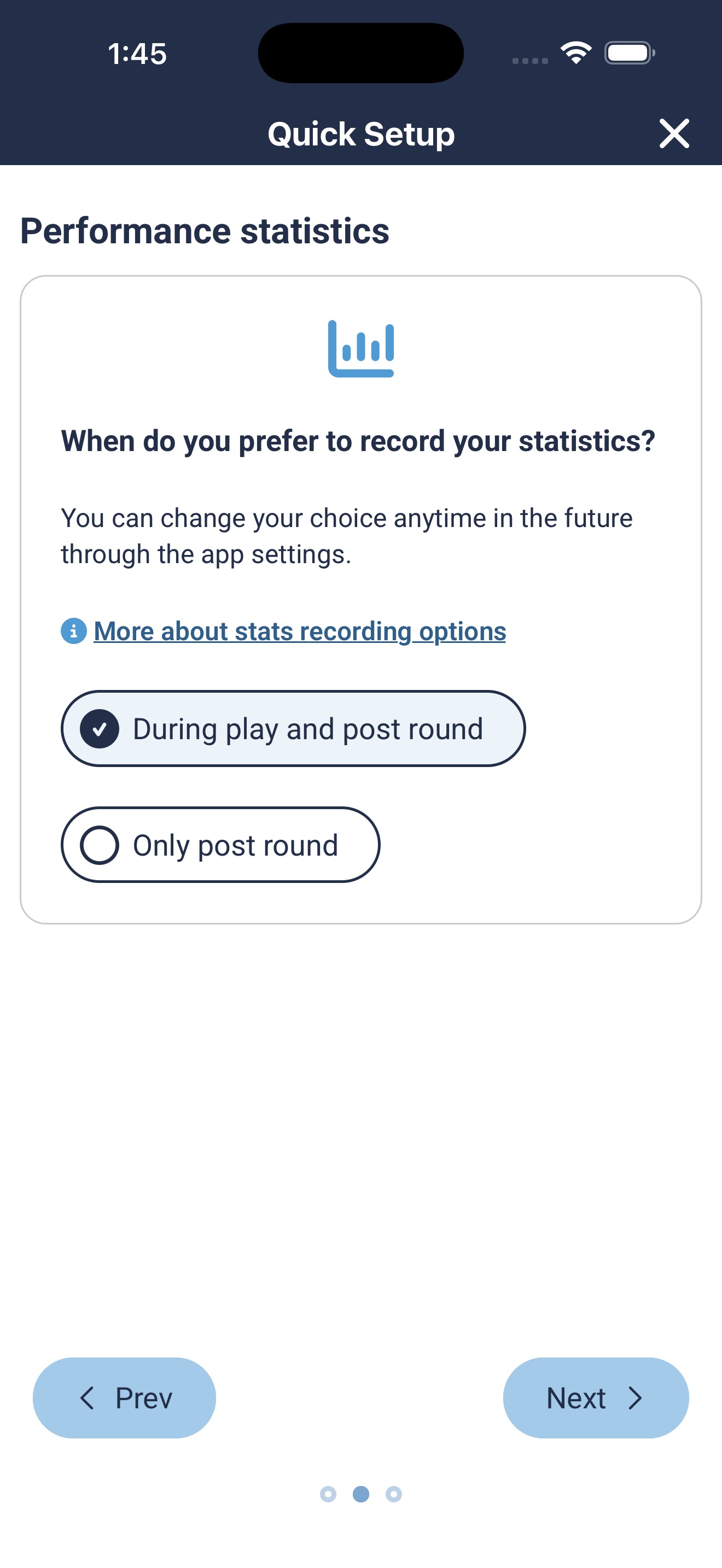 | 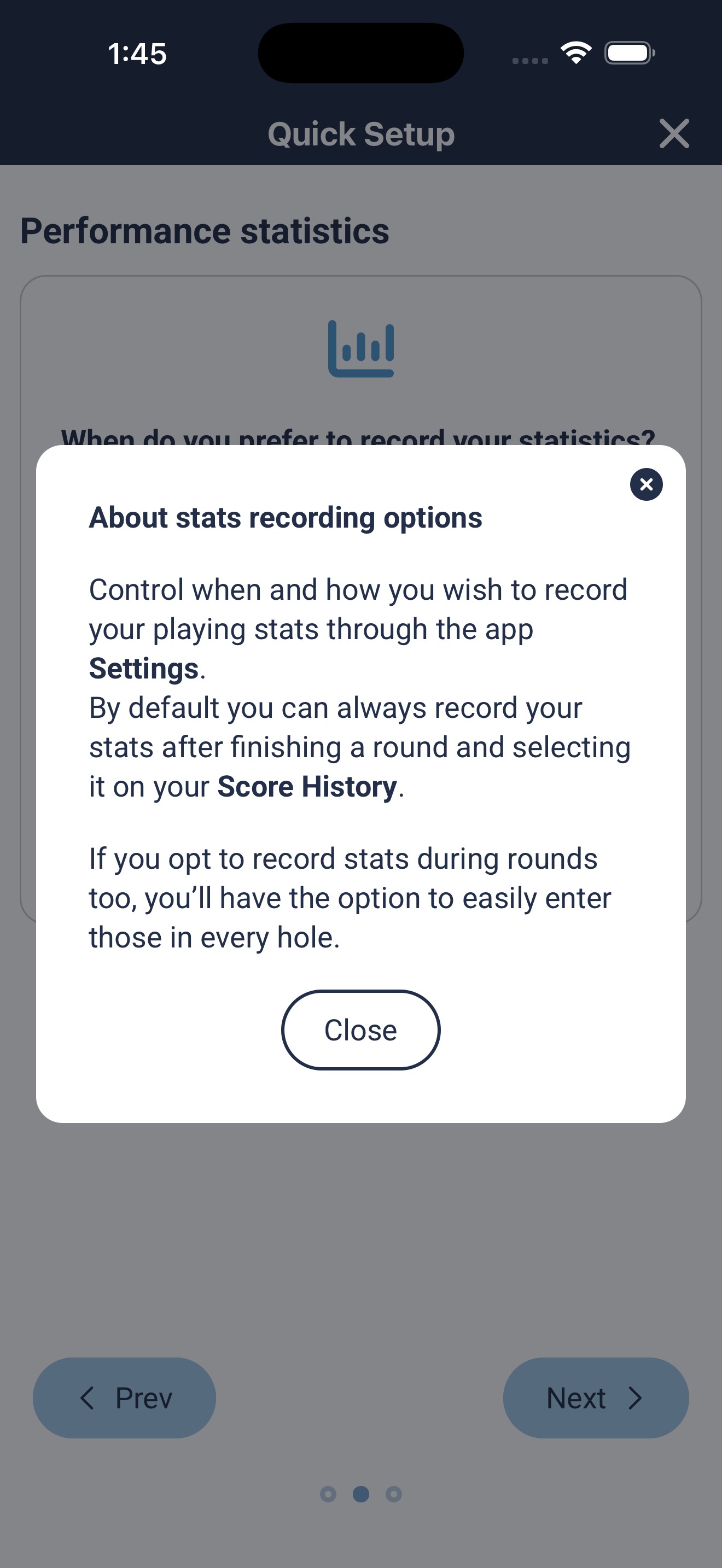 |
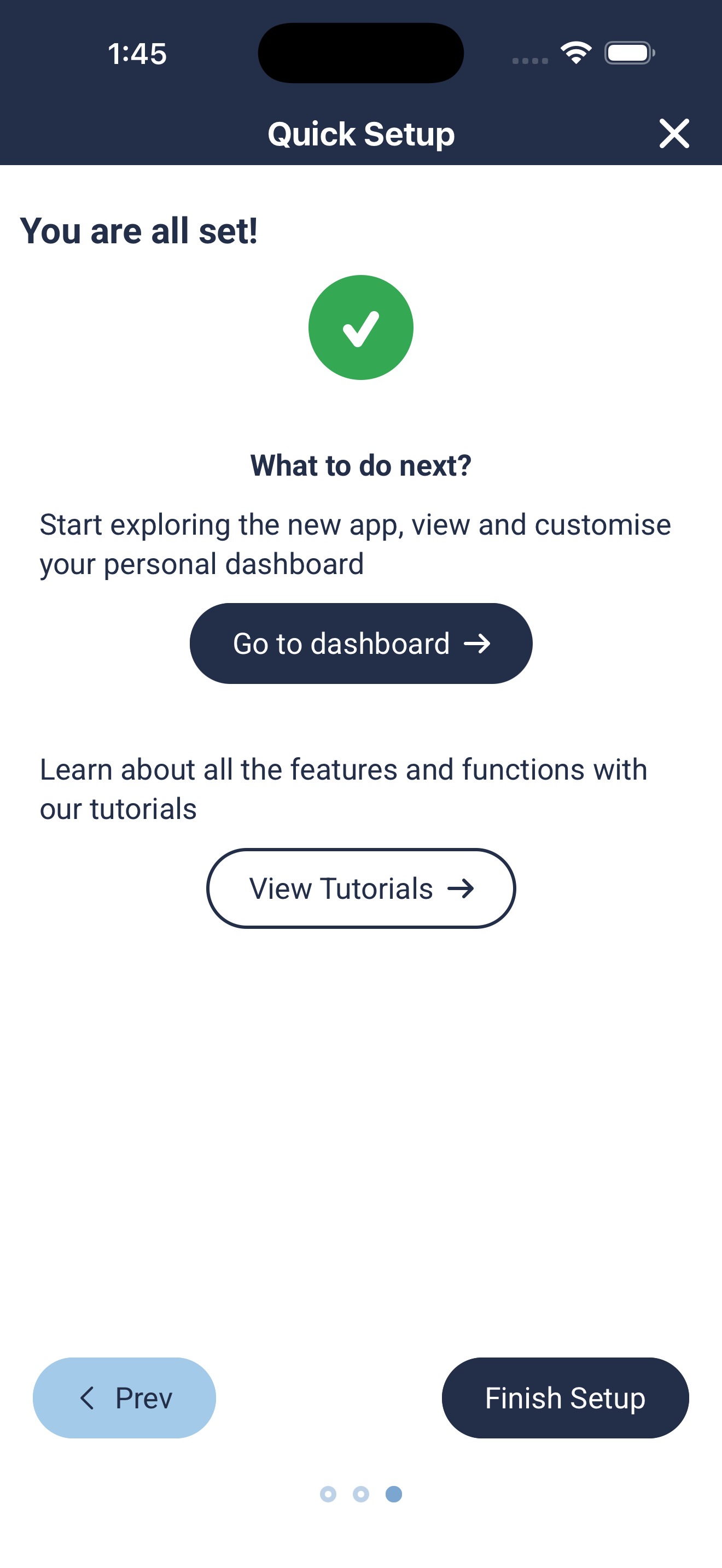 |
*These stat widgets can be disabled at any time in the 'Settings' menu.
MiScore 2 requires no additional charge and is a simple update via either the App Store or Google Play Store.
Was this article helpful?
That’s Great!
Thank you for your feedback
Sorry! We couldn't be helpful
Thank you for your feedback
Feedback sent
We appreciate your effort and will try to fix the article