TABLE OF CONTENTS
This article shows you how to check your Golf Australia handicap history on the MiScore App
- Please note you need to be logged into your home club on the MiScore App for this to work.
MiScore App 2
Please note you need to be logged into your home club on the MiScore App for this to work.
Video Walkthrough:
Visual Guide:
Select 'Menu' on the top right corner 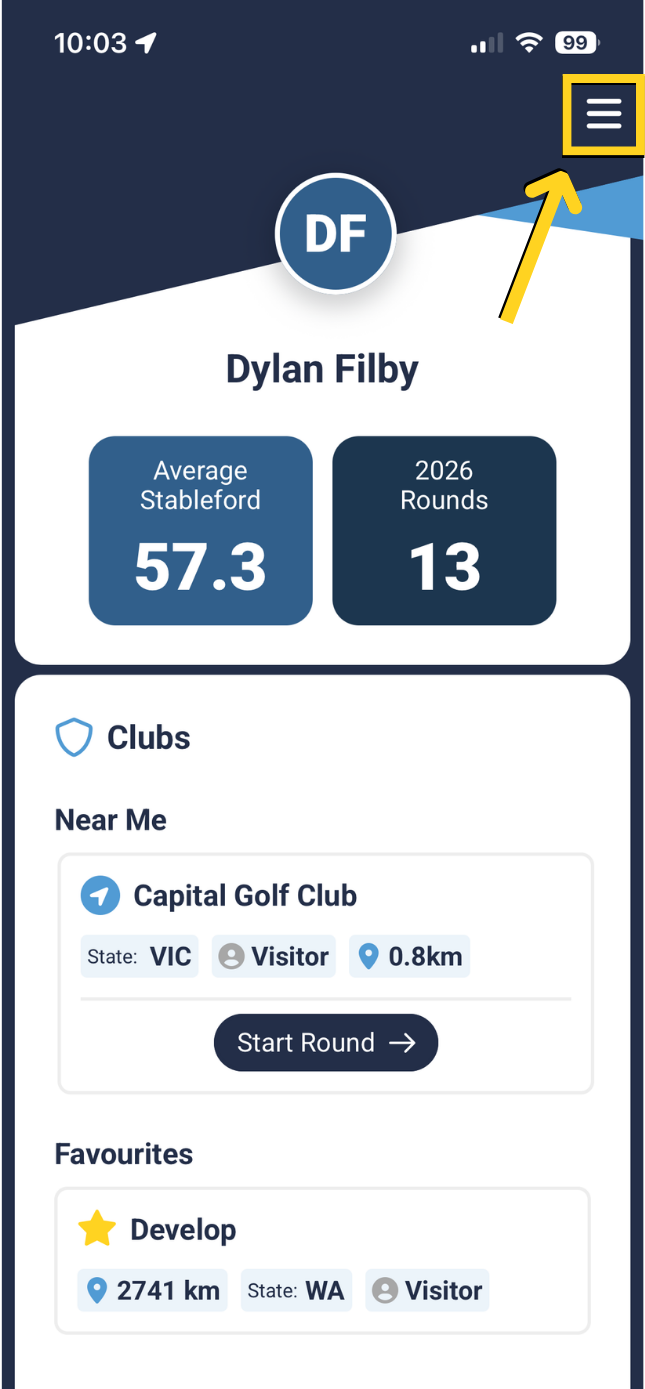 | Select 'Golf', then select 'Handicap' 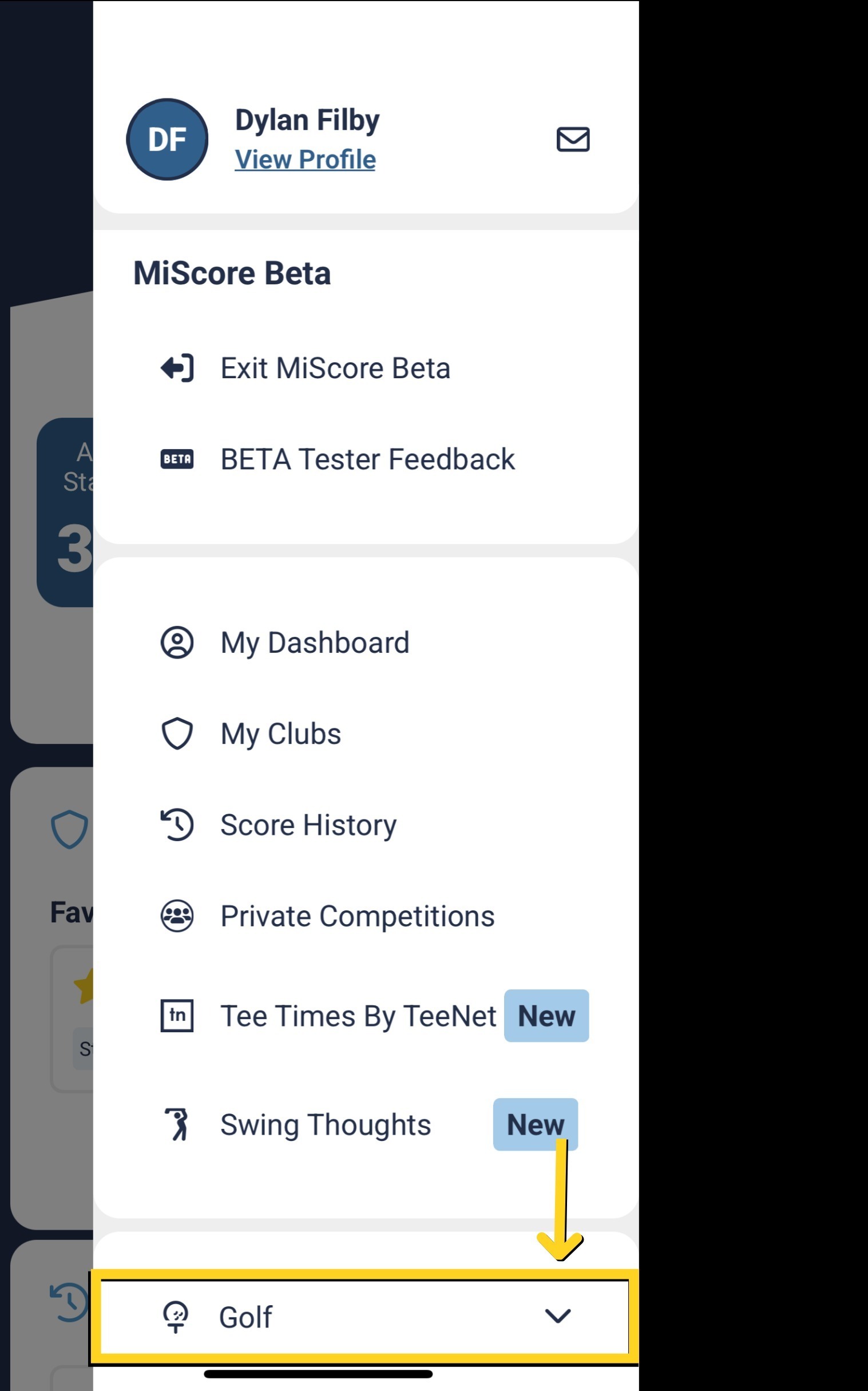 |
Select 'Golf', then select 'Handicap' | You will be taken to golf.com.au in a pop up browser window |
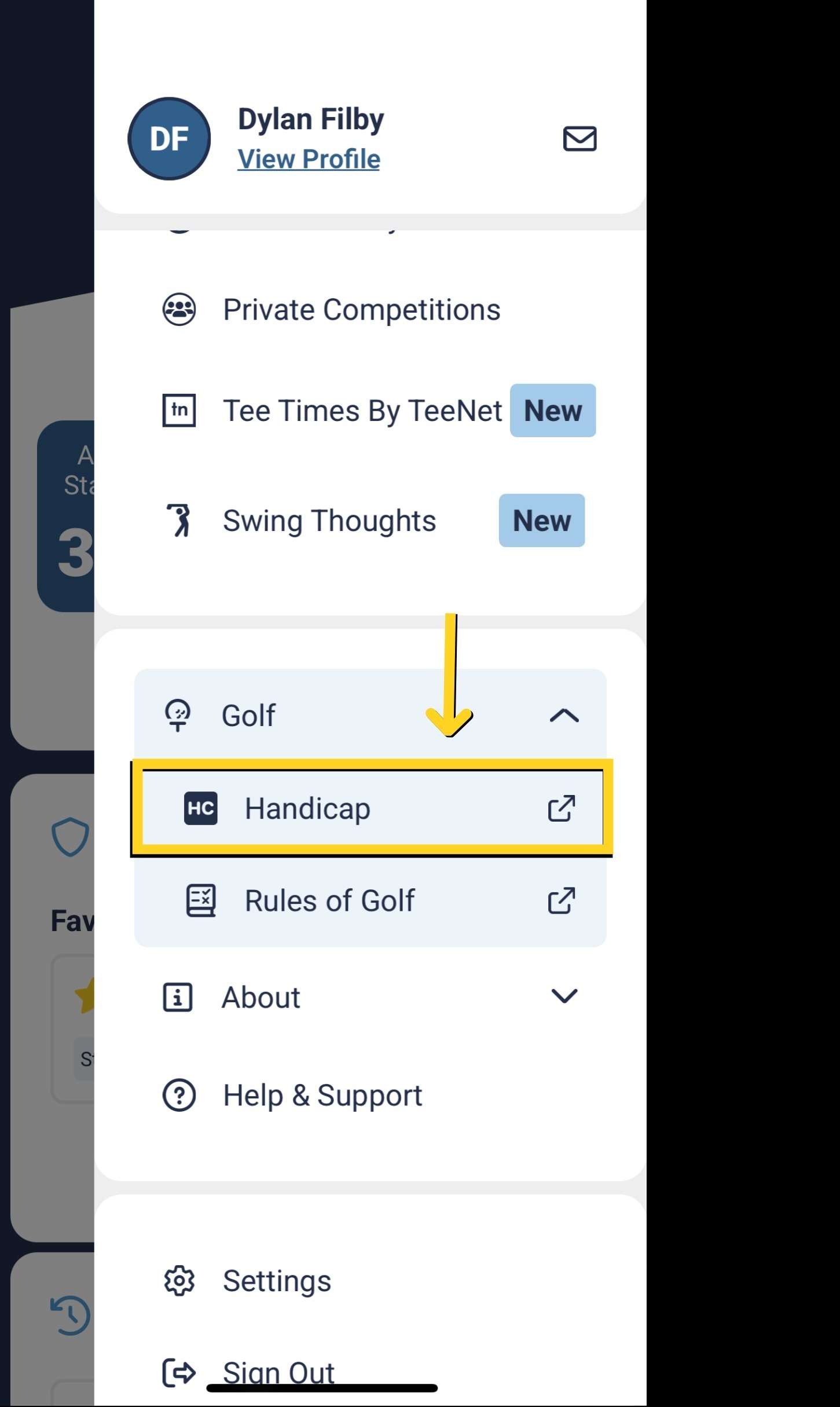 |  |
To see your handicap history you need to sign into your Golf Australia account.
If you do not have one you will need to create one.
The below link can be accessed to create a Golf Australia profile
https://www.golf.org.au/registration
MiScore App V1 (original app version)
Select 'Menu' on the top right corner

Select 'Handicap'

You will then be taken to the Golf Australia website
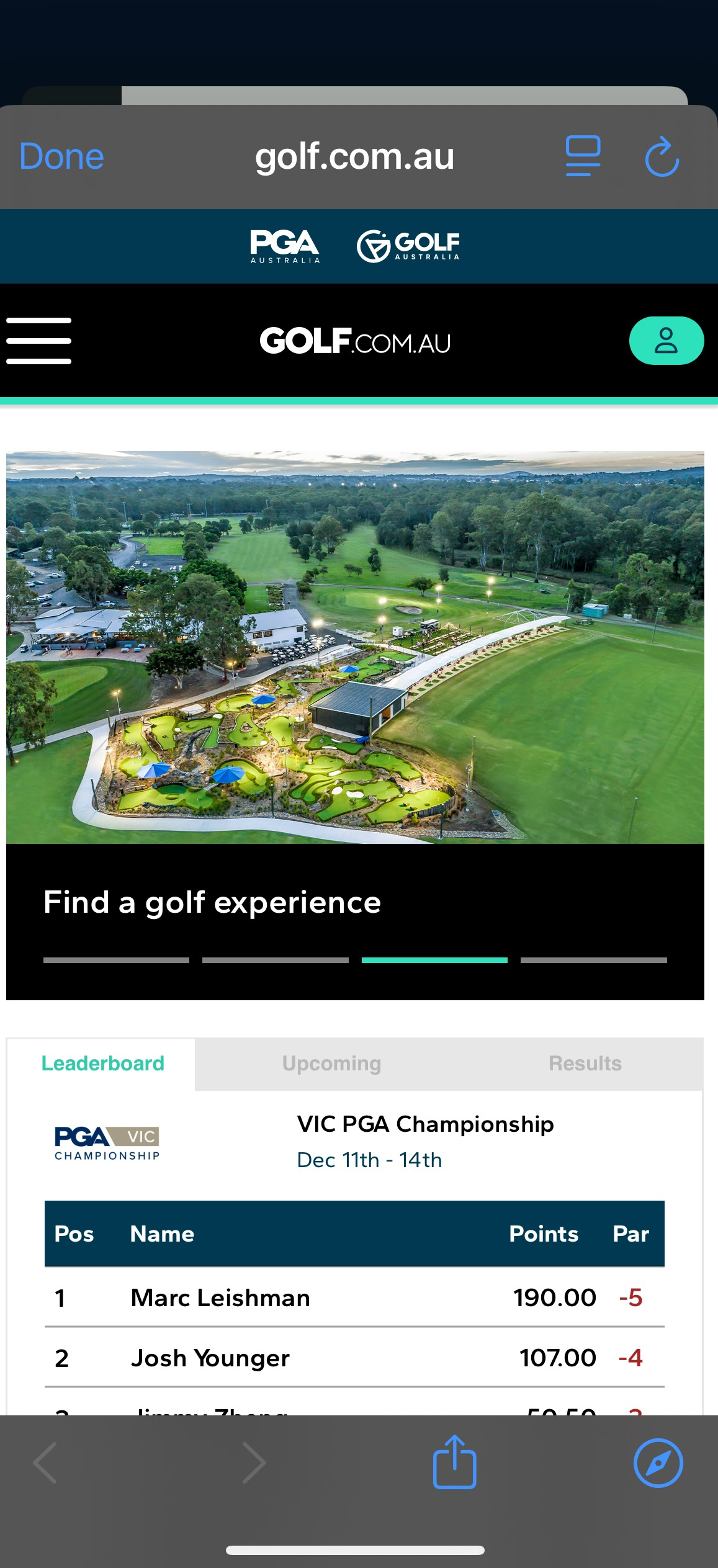
To see your handicap history you need to sign into your Golf Australia account.
If you do not have one you will need to create one.
The below link can be accessed to create a Golf Australia profile
https://www.golf.org.au/registration
Was this article helpful?
That’s Great!
Thank you for your feedback
Sorry! We couldn't be helpful
Thank you for your feedback
Feedback sent
We appreciate your effort and will try to fix the article