This article shows you how to check score history on the MiScore App
Video Guide:
Visual Guide:
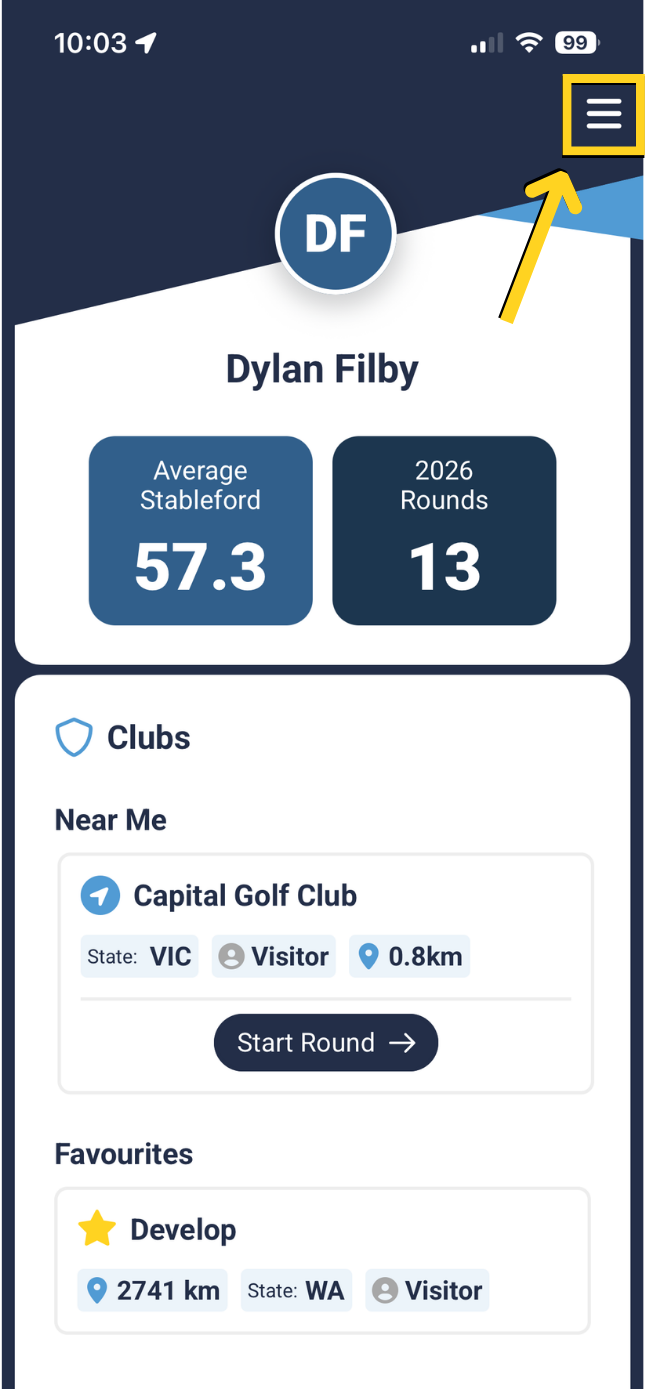
Select the 'Menu' icon on the top right corner.
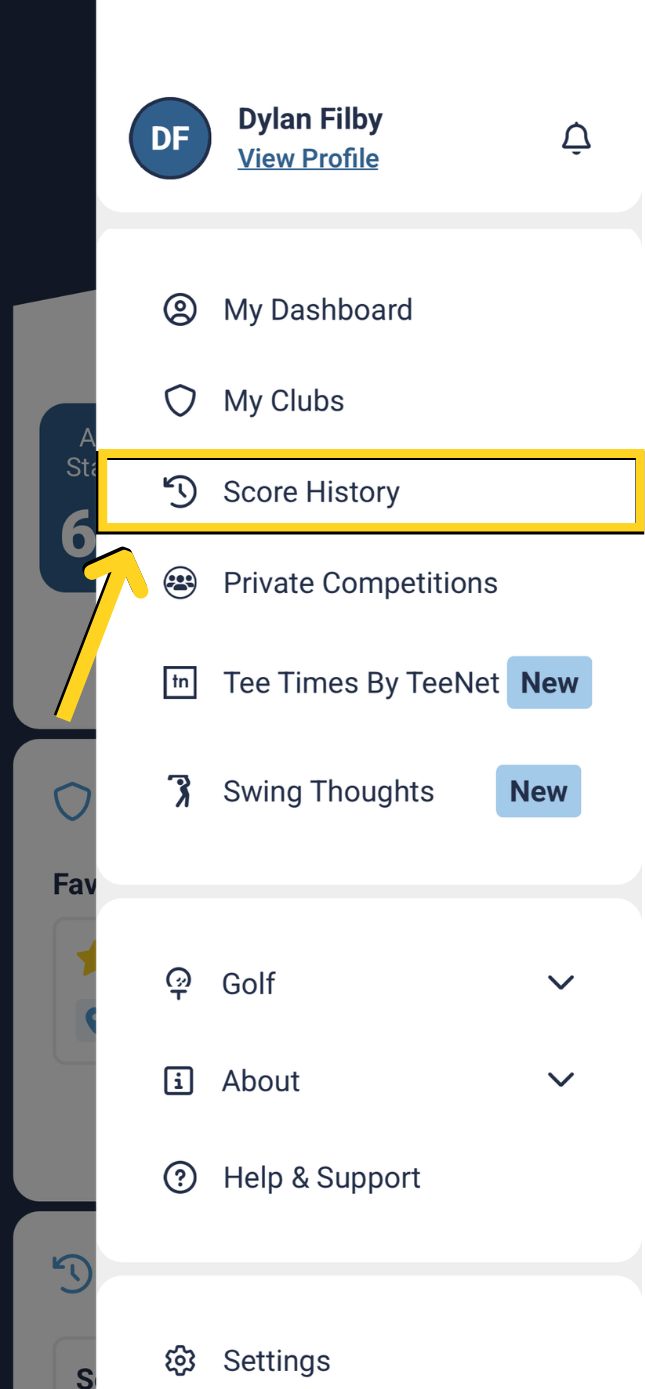
Select 'Score History'.
 |  |
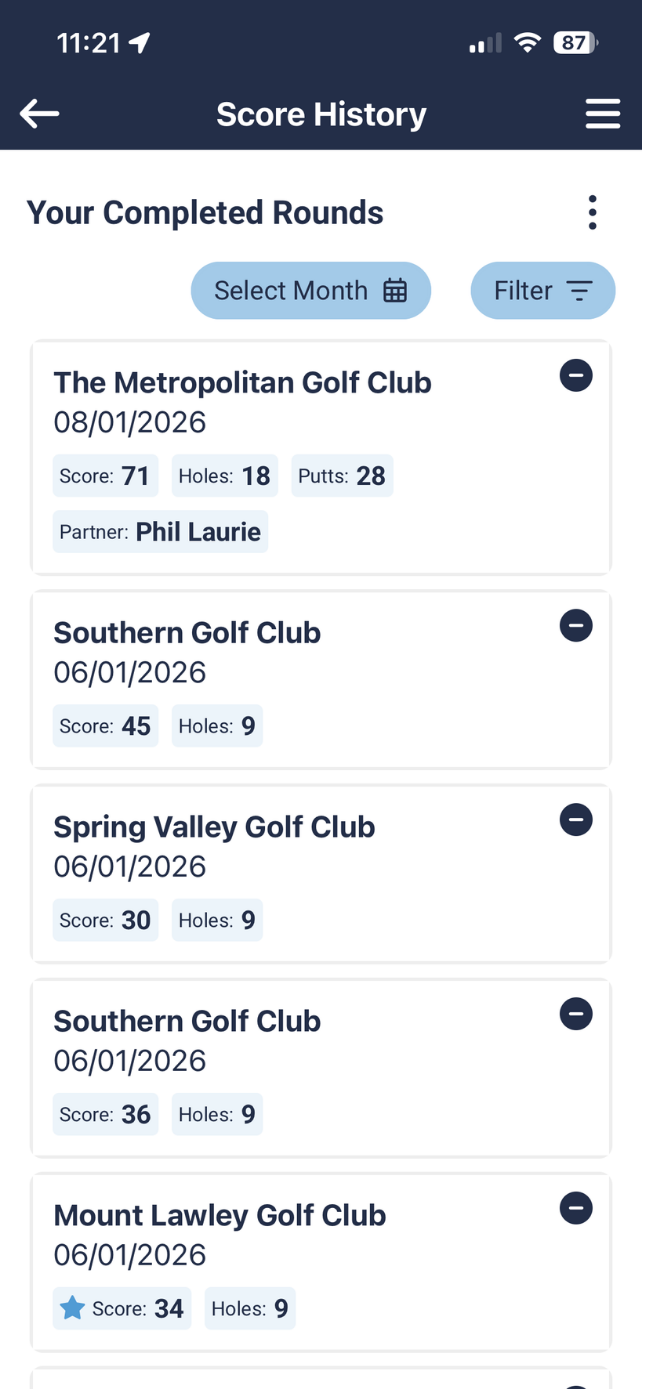
Recent scores will be displayed.
Press on the match you wish to view to see the full results.
You can either view your scorecard, your partner's scorecard, stats or Sidematch results.
 | 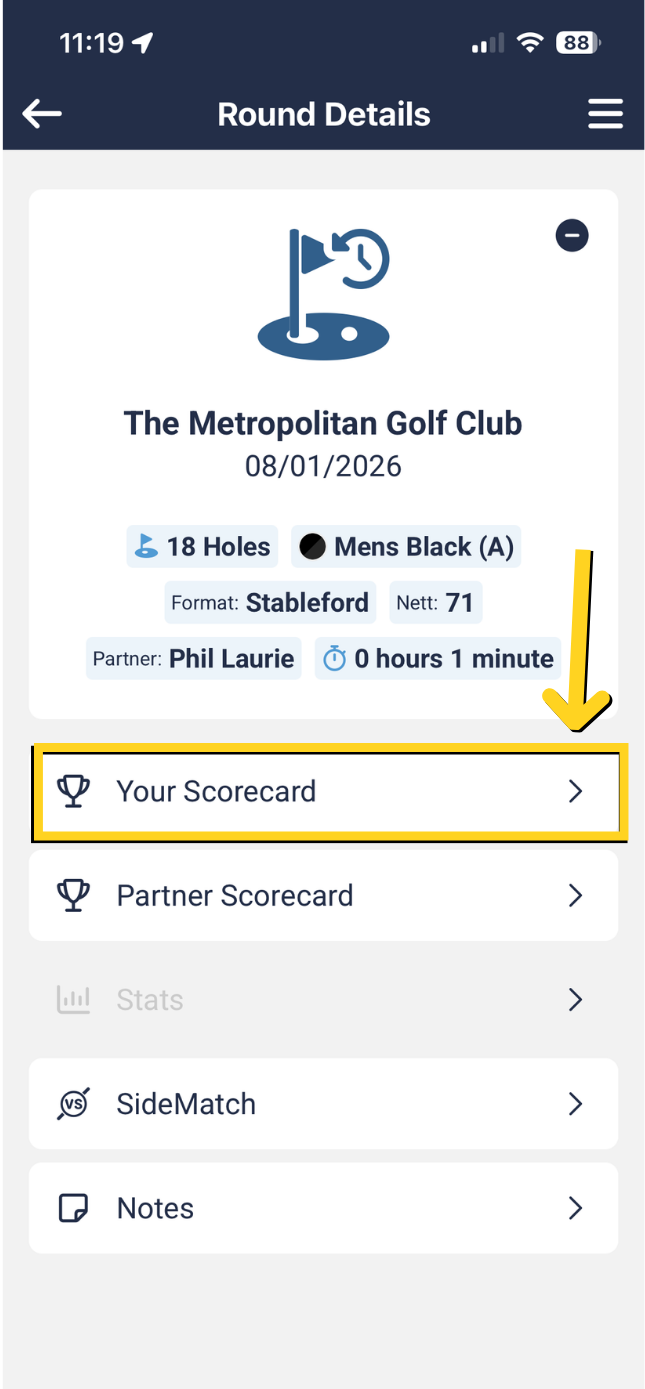 |
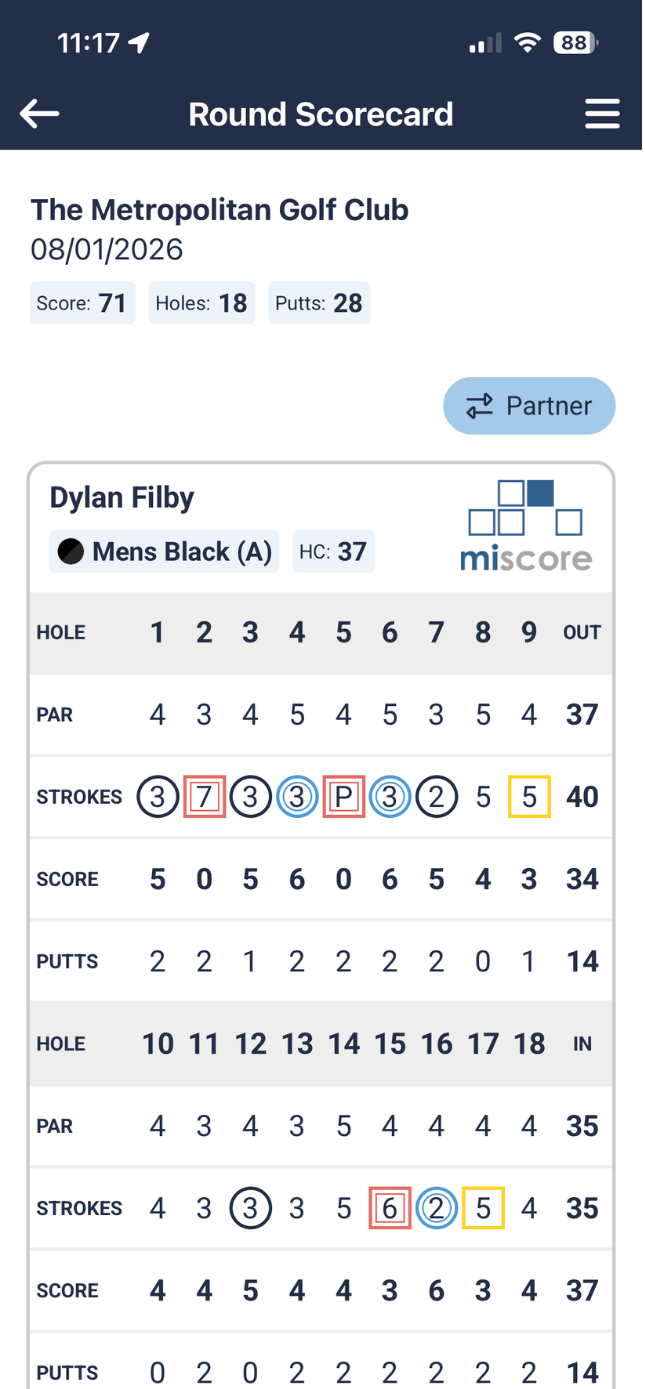
Scroll down to view all scorecard results for this match, including strokes, putts or score.
Was this article helpful?
That’s Great!
Thank you for your feedback
Sorry! We couldn't be helpful
Thank you for your feedback
Feedback sent
We appreciate your effort and will try to fix the article