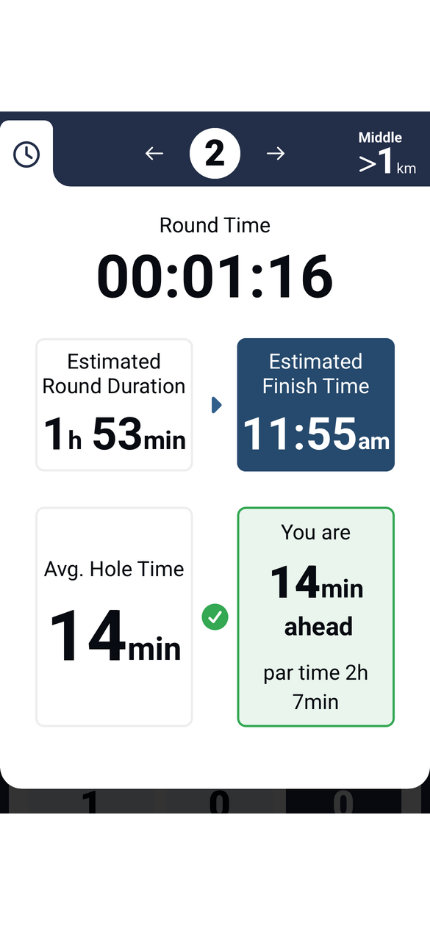
MiScore has the ability to display an expected time to complete a hole.
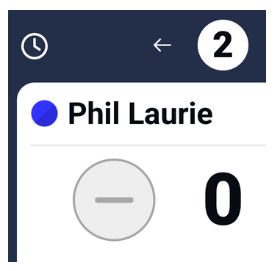
The 'clock' icon in the top left corner brings you to the Pace of Play screen.
Once you enter a score for yourself on a hole, the time will update to the expected time to complete the next hole automatically.
When the time is a negative value, this indicates that your time is behind the expected pace of play while showing a positive value indicates your are ahead of pace of play.
When you complete your round (submit scores), the app will display the total time of the round played i.e. from entering the scoring interface throughout until score submission.
Club administrators with MiClub wanting further analysis of player/group round times and to trial our Pace of Play module should contact our sales team on 08 9444 5300
Was this article helpful?
That’s Great!
Thank you for your feedback
Sorry! We couldn't be helpful
Thank you for your feedback
Feedback sent
We appreciate your effort and will try to fix the article