Menu - How to Check Local Rules on the MiScore App

Modified on Mon, 30 Mar at 11:48 AM

MISCORE V2 HELP ARTICLES


This article shows you how to check the Local Rules of the club you are playing at


MiScore App 2 (available from Tuesday 7 April)


Video Guide: 


Visual Guide:


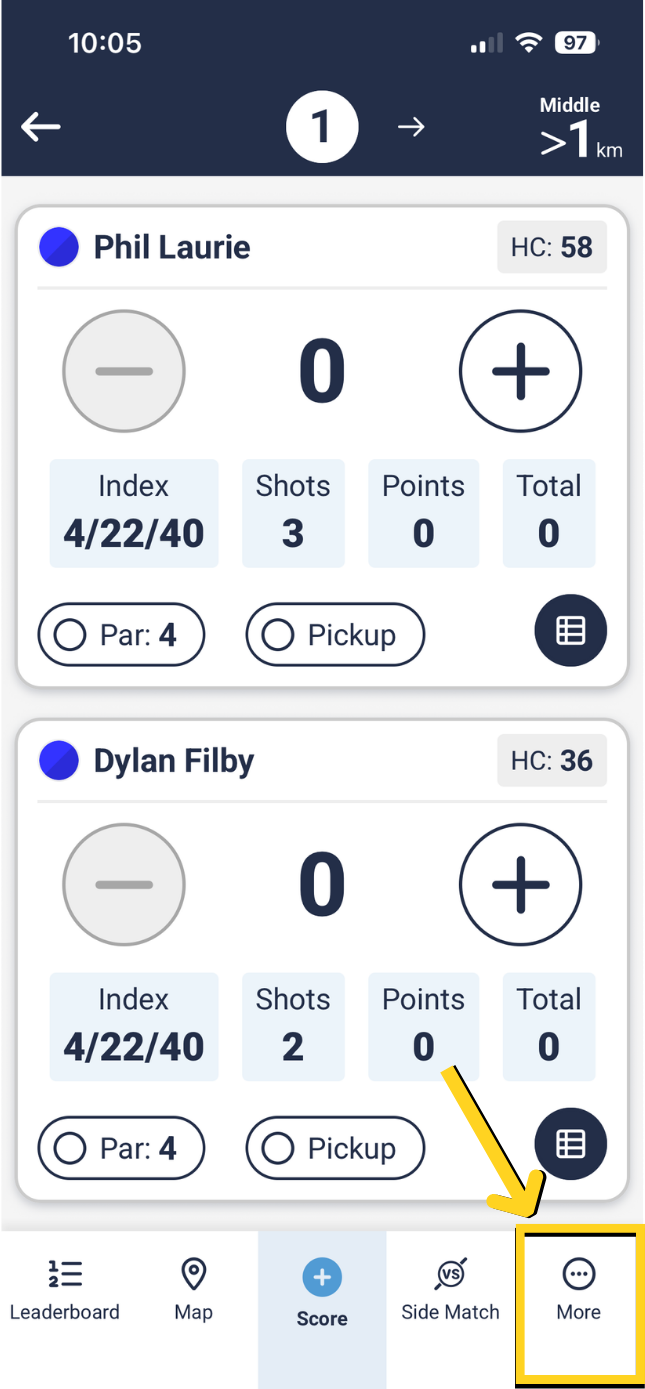
Select 'More' in the bottom right corner when scoring at a club.


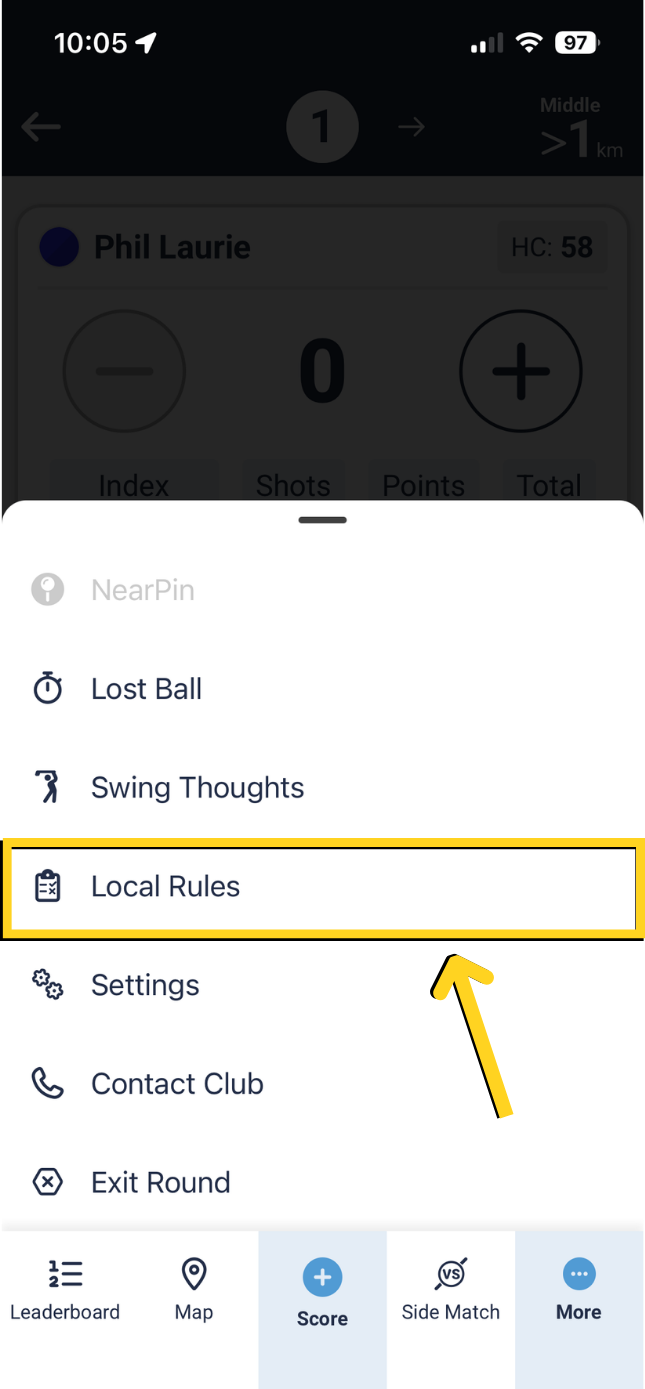
Select 'Local Rules'.


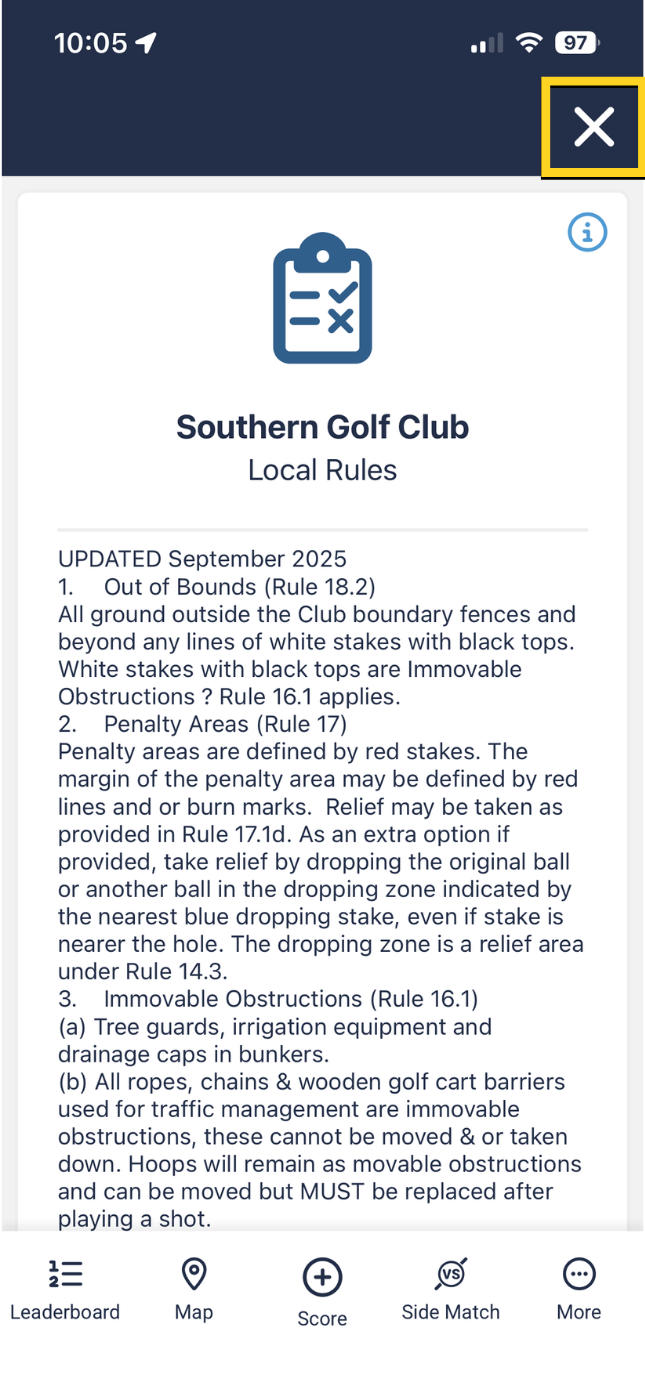
Local Rules will then be displayed.


MiScore App V1 (original app version)


Select 'Menu' on top right corner.


Select 'Local Rules'.


Local Rules will then be displayed.


Was this article helpful?

That’s Great!

Thank you for your feedback

Sorry! We couldn't be helpful

Thank you for your feedback

Let us know how can we improve this article!

Select at least one of the reasons
CAPTCHA verification is required.

Feedback sent

We appreciate your effort and will try to fix the article